The Small Business Owner's Guide to After-Hours Call Handling
Up to 40% of customer calls come outside business hours-and 80% of those callers won't leave a voicemail. Here's how to capture that revenue without sacrificing your personal life.
Greet Team
Business Efficiency
It's 7:43 PM on a Thursday. Your business closed at 5. Your phone rings. Then again at 8:15. And once more at 9:30. By morning, you have three missed calls, zero voicemails, and no idea what you just lost.
Here's the reality most small business owners don't want to face: 35-40% of customer calls come outside standard business hours. That means more than a third of your potential revenue is calling when nobody's there to answer. And the vast majority of those callers won't leave a voicemail-they'll just call your competitor instead.
The question isn't whether you're missing after-hours calls. You are. The question is what you're going to do about it.
This guide breaks down exactly when your customers are calling, the real cost of every option for handling those calls, and how to set up a system that captures every opportunity-without destroying your personal life in the process.
When Your Customers Actually Call (And Why It's Not When You Think)
Most business owners assume their customers call during business hours. After all, that's when you're open. But customer behavior doesn't follow your schedule-it follows theirs. And their schedules look very different depending on the industry you serve.
Understanding when your customers call is the first step toward capturing revenue you're currently leaving on the table. Here's what the data shows across several common service industries:
Plumbers
Plumbing emergencies don't wait for Monday morning. Burst pipes, sewage backups, and water heater failures peak on weekends and evenings-precisely when most plumbing businesses are closed. A homeowner standing in two inches of water at 10 PM isn't going to leave a voicemail and wait until tomorrow. They're going to call every plumber on Google until someone picks up.
Emergency plumbing calls convert at 70-85% when answered immediately. Miss them, and that revenue goes directly to whoever answers first.
Salons and Spas
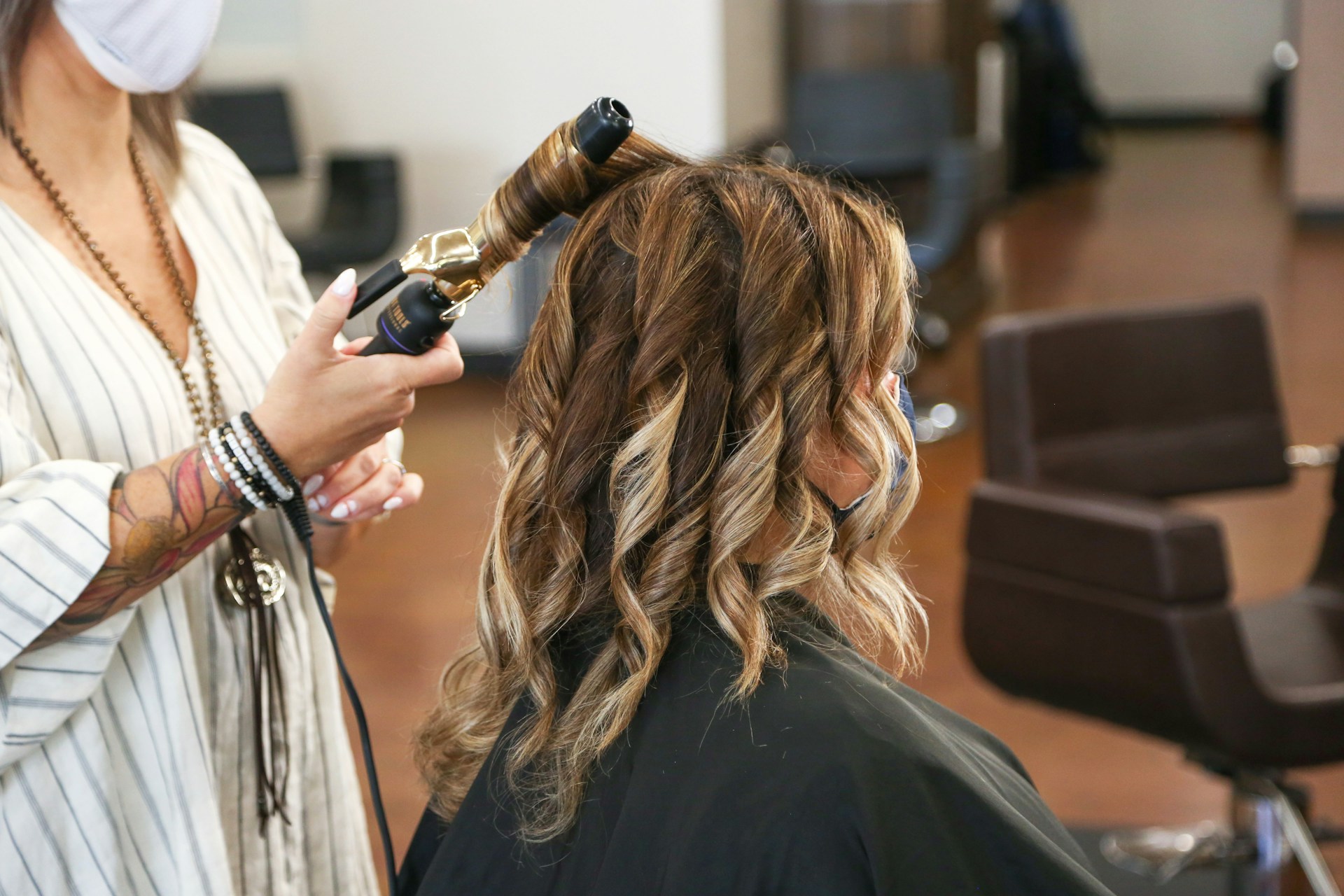
Your clients work 9-to-5 jobs. When are they supposed to call you to book an appointment? During their lunch breaks and after 5 PM-exactly when your front desk is either slammed with walk-ins or already closed. Salon booking calls peak between 12-1 PM and again from 5-8 PM, with a significant volume on Sunday evenings as people plan their week ahead.
Every unanswered booking call is an empty chair generating zero revenue.
Restaurants
Reservation calls cluster around commute times: 7-9 AM as people plan dinner on the way to work, 11:30 AM-1 PM during lunch breaks, and 4-6 PM during the evening commute. These are precisely the times when your staff is either prepping for service or in the middle of a rush. The irony is cruel: your busiest calling periods overlap with your busiest operational periods.
Electricians
Commercial clients call early morning-property managers and business owners planning their day at 7 AM, before your office opens. Residential emergencies (power outages, sparking outlets, tripped breakers that won't reset) happen anytime, day or night. The commercial calls are especially valuable because they often represent recurring contracts worth thousands annually.
Locksmiths
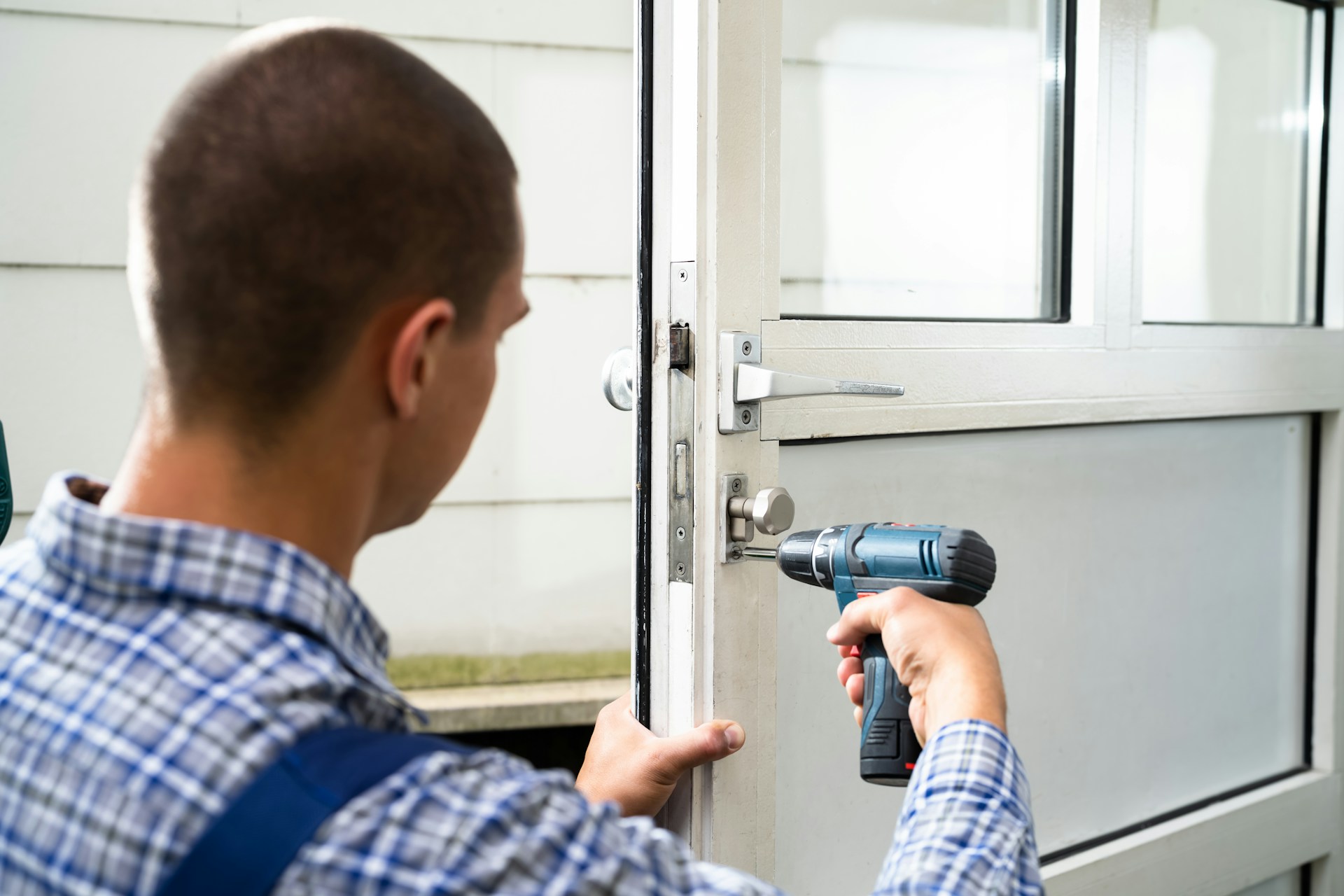
This is the most extreme example: over 60% of locksmith calls come after hours. People get locked out of their cars at midnight, their homes at 2 AM, their offices on Saturday morning. Locksmithing is fundamentally an after-hours business-yet most locksmith businesses still rely on a system that only works during business hours.
The pattern is clear across every industry: a massive portion of your customer demand exists outside the hours you're staffed to handle it. The businesses that capture this demand grow. The ones that don't stay stuck.
Hear your business answer the phone in 60 seconds.
Enter your website URL. We'll build an AI that knows your services, hours, and policies. Then call it. No signup required.
You have five realistic options for handling calls when your business is closed. Each has trade-offs in cost, quality, and impact on your life. Let's be honest about all of them.
Option 1: Voicemail
Cost: Free (or close to it)
The appeal: It's simple, it's already set up, and it costs nothing. What's not to like?
The reality: About 80% of callers won't leave a voicemail. They hang up and call the next business. Think about your own behavior-when was the last time you left a voicemail for a business you'd never used before? Probably never. Your customers feel the same way.
Voicemail is essentially a polite way of telling 80% of your after-hours callers to go elsewhere. You keep 20% of the opportunity and lose the rest. For a business getting 10 after-hours calls per week, that's 8 potential customers gone-every single week.
The appeal: You never miss a call. Every opportunity is captured. Problem solved, right?
The reality: We'll dig deeper into this in the next section, but the short version is this-forwarding every call to your personal phone is a one-way ticket to burnout. You're never off the clock. Dinner with your family gets interrupted. Your kid's soccer game becomes a customer service session. And when you do answer, there's background noise, you don't have your scheduling system in front of you, and you can't look up the caller's information. The quality of service suffers, and so does your quality of life.
Option 3: On-Call Staff Rotation
Cost: $2,000-5,000+/month depending on coverage hours and staff count
The appeal: A real human answers. Calls are handled professionally. You get your evenings back.
The reality: This requires multiple employees willing to work nights and weekends, and they need to be compensated accordingly-typically with premium hourly rates or on-call stipends. For most small businesses with fewer than 10 employees, maintaining an on-call rotation isn't financially viable. You're essentially paying someone to sit by the phone for hours when they might only get 2-3 calls.
Option 4: Traditional After-Hours Answering Service
Cost: $300-800/month, often with night and weekend surcharges that push the real cost higher
The appeal: Professional call handling by trained operators. Messages are taken and delivered promptly.
The reality: Traditional answering services charge base fees plus per-minute or per-call rates, and most add surcharges for nights, weekends, and holidays. A service that quotes $300/month at base rate can easily hit $600-800 once surcharges kick in-and after-hours is literally when you need them most. Additionally, operators are handling calls for dozens of businesses simultaneously. They can take a message, but they can't book appointments, answer detailed questions about your services, or provide the kind of knowledgeable responses your customers expect.
Option 5: AI Receptionist
Cost: Flat monthly rate (typically $50-200/month), no surcharges
The appeal: 24/7 coverage at a predictable cost. Answers questions, books appointments, handles FAQs-all without human intervention.
The reality: An AI answering service like Greet provides the same level of service at 2 AM as it does at 2 PM. There are no night differentials, no weekend surcharges, and no holidays. It knows your business because you've trained it with your information, and it can do things a message-taking service can't-like actually booking an appointment on your calendar or answering a caller's question about your pricing.
The limitation is that it's not a human, which matters for some interactions. But for the vast majority of after-hours calls-booking requests, FAQ questions, service inquiries, and basic information-an AI receptionist handles them as well as or better than a tired human answering service operator juggling 15 clients.
After-Hours Options at a Glance:
Voicemail: $0/month - captures ~20% of callers
Cell forwarding: $0/month - captures calls but destroys work-life balance
On-call rotation: $2,000-5,000+/month - professional but expensive
Answering service: $300-800+/month - message-taking with surcharges
AI receptionist: $50-200/month - full service, flat rate, 24/7
Why Forwarding to Your Cell Phone Isn't the Answer
This deserves its own section because it's the most common "solution" small business owners choose-and it's the one that causes the most long-term damage.
On paper, call forwarding seems like the perfect free solution. In practice, it creates a cascade of problems that erode both your business quality and your personal well-being.
The Burnout Problem
When your business phone forwards to your personal phone, you are never off the clock. Every ring could be a customer. Every notification demands a decision: answer or ignore? Studies show that small business owners who forward calls to their personal phones report significantly higher rates of burnout, anxiety, and sleep disruption. You can't truly relax when any moment might bring a work call.
And it's not just the calls you answer-it's the ones you don't. Seeing a missed call at 9 PM and wondering whether it was a $5,000 emergency job creates stress even when you choose not to answer.
The Family and Personal Time Problem
Your partner is talking to you at dinner. Your phone rings. It's a customer. Do you answer? If you do, dinner is interrupted and your partner feels deprioritized. If you don't, you spend the rest of dinner wondering what you missed. There's no winning move.
Your child is performing in a school play. A call comes in. You step into the hallway. You miss the moment. These aren't hypothetical scenarios-they're the daily reality for business owners who use their cell phone as their after-hours answering system.
The Professionalism Problem
When you answer a business call from your living room, the caller hears your TV in the background, your dog barking, or your kids arguing. You don't have your scheduling system open. You can't look up the caller's previous service history. You're fumbling for a pen to write down their address. The experience is unprofessional-and first impressions matter.
A caller who reaches a professional-sounding receptionist (human or AI) forms a very different impression than one who reaches a harried business owner shouting over household noise.
The Information Problem
Half the time someone calls after hours, they have a question you could answer in 10 seconds with your computer in front of you: "What's your service area?" "Do you offer financing?" "When's your next available appointment?" But on your cell phone, without access to your systems, you're guessing, promising to call back, or giving incomplete answers. Every "let me get back to you on that" is a friction point that reduces the caller's confidence in your business.
The cost of missed calls compounds over time. The convenience of cell forwarding comes at a price most business owners don't calculate until the damage is done.
Emergency vs. Non-Emergency: Setting Up Smart Call Triage
Not every after-hours call is equally urgent. A burst pipe at midnight requires immediate action. A question about your business hours can wait until morning. The key to effective after-hours call handling is building a system that distinguishes between the two.
Step 1: Define What Constitutes an Emergency for Your Business
This varies by industry. For a plumber, a burst pipe or sewage backup is an emergency. A dripping faucet is not. For an electrician, a sparking outlet is urgent. A request for a ceiling fan quote is not. For a locksmith, every lockout is arguably urgent-the caller is stranded.
Write down your specific emergency criteria. Be precise. "Water damage actively occurring" is better than "plumbing problems."
Step 2: Create Separate Handling Paths
Your after-hours system should route calls differently based on urgency:
True emergencies: Immediate notification to you or your on-call technician via text, call, or push notification. The customer needs to know help is coming now.
Urgent but not emergency: Detailed message capture with same-day callback commitment. "We'll have someone call you back first thing in the morning."
Routine inquiries: Handled completely by the after-hours system. Appointment booked, question answered, information provided. No callback needed.
Step 3: Give Your System the Tools to Triage
An AI receptionist like Greet can be trained to ask the right qualifying questions: "Is there active water damage right now?" "Are you locked out of your home or vehicle?" "Is anyone in danger?" Based on the answers, it routes appropriately-either notifying you immediately for true emergencies or handling the call completely for routine matters.
This means you only get woken up at 2 AM for situations that truly warrant it, while every other call is handled professionally without your involvement.
Is your business ready for an AI receptionist?
5 signs you're leaving money on the table-and 2 when you might want to wait. Take 2 minutes to find out.
Getting Greet configured for after-hours coverage takes less than 30 minutes. Here's the step-by-step process:
Step 1: Create Your Account and Business Profile (5 minutes)
Sign up at Greet and enter your business information: name, industry, services offered, service area, and business hours. This gives Greet the foundation it needs to represent your business accurately.
Step 2: Build Your FAQ Knowledge Base (10 minutes)
Add the questions your customers ask most frequently: pricing ranges, service areas, hours of operation, payment methods accepted, emergency availability. Greet will use this information to answer caller questions in real time, so the more thorough you are, the better the experience for your customers.
Step 3: Configure Your Emergency Protocols (5 minutes)
Define what counts as an emergency for your business, and tell Greet how to handle them. Options include immediately forwarding the call to your cell, sending you a text notification with the caller's details, or scheduling a same-day callback. For non-emergencies, Greet can handle the call entirely on its own.
Step 4: Connect Your Calendar (5 minutes)
Link your Google Calendar so Greet can book appointments directly. When a caller wants to schedule service, Greet checks your real-time availability and books the slot-no back-and-forth needed. You wake up to a confirmed appointment on your calendar.
Step 5: Set Up Call Forwarding (5 minutes)
Forward your business line to your Greet number. You can set this to forward all calls or only after-hours calls, depending on your needs. Most phone providers make this a simple settings change.
That's it. From this point forward, every after-hours call gets answered professionally, questions get answered, appointments get booked, and true emergencies get escalated to you immediately.
Industry-Specific After-Hours Scripts That Work
The way your after-hours system greets callers matters. Generic scripts feel impersonal. Industry-specific scripts build trust because they demonstrate understanding of the caller's situation. Here are examples of effective after-hours greetings by industry:
Plumber After-Hours Script
Greet: "Thank you for calling [Business Name]. We understand plumbing emergencies can't wait. If you're experiencing active water damage, a sewage backup, or another urgent situation, I can get help dispatched right away. Otherwise, I can answer questions about our services, provide pricing information, or schedule an appointment for you. How can I help?"
This script immediately acknowledges the urgency that most after-hours plumbing callers feel. It separates emergencies from routine calls and offers concrete help for both.
Salon After-Hours Script
Greet: "Hi, thanks for calling [Business Name]. We're currently closed, but I can absolutely help you. I can book your next appointment right now, answer questions about our services and pricing, or help with anything else you need. What are you looking for today?"
This script is warm and action-oriented. It doesn't apologize for being closed-it immediately offers value. The caller doesn't feel like they've hit a dead end; they feel like they've reached someone who can help.
Locksmith After-Hours Script
Greet: "Thank you for calling [Business Name]. I understand being locked out is stressful, and I'm here to help. If you're currently locked out of your home, car, or business, I can get a technician dispatched to your location right away. Can you tell me where you are and what type of lockout you're dealing with?"
For locksmiths, nearly every after-hours call is urgent. This script leads with empathy, acknowledges the stress of the situation, and immediately moves toward resolution. No menu trees, no "press 1 for..." nonsense-just direct, helpful service when the caller needs it most.
Why These Scripts Work
Notice what all three scripts have in common:
They acknowledge the caller's situation and emotion
They immediately offer concrete help rather than deferring to a callback
They differentiate between emergency and non-emergency without making the caller navigate a phone tree
They sound like a knowledgeable team member, not an answering machine
When you understand what happens when you miss a call, you realize that these first few seconds of the after-hours experience determine whether you capture the opportunity or lose it forever.
The Bottom Line: After-Hours Calls Are Revenue You're Currently Losing
If 35-40% of your calls come after hours and 80% of those callers won't leave a voicemail, the math is simple: you're losing roughly 28-32% of your total call-in opportunities to silence. Every single week.
For a business that gets 50 calls per week, that's 14-16 potential customers who tried to reach you, couldn't, and moved on. At an average job value of $200-500, that's $2,800-8,000 in weekly revenue potential that's evaporating because nobody answered the phone.
The solution doesn't have to be expensive. It doesn't have to destroy your personal life. And it doesn't have to be complicated.
An AI receptionist like Greet answers every after-hours call at the same flat rate-no surcharges for nights, weekends, or holidays. It books appointments, answers questions, triages emergencies, and sends you detailed transcripts of every interaction. Your customers get immediate, professional service. You get your evenings back and a fuller schedule in the morning.
Stop Losing After-Hours Revenue
Try Greet free for 7 days. Answer every call, book every appointment, and capture every opportunity-even at 2 AM.